It's Sunday morning. You're supposed to be leading worship. Or preaching. Or running the service. Instead, you're behind the soundboard helping a volunteer find a monitor channel.. for the third Sunday in a row.

Build a Church Notion System That Runs Sunday Without You.

So you can stop fixing every station and do the job you're actually there to do.

Yes, I want my Sundays back ($147)

Launch price and bonuses end Friday May 29.

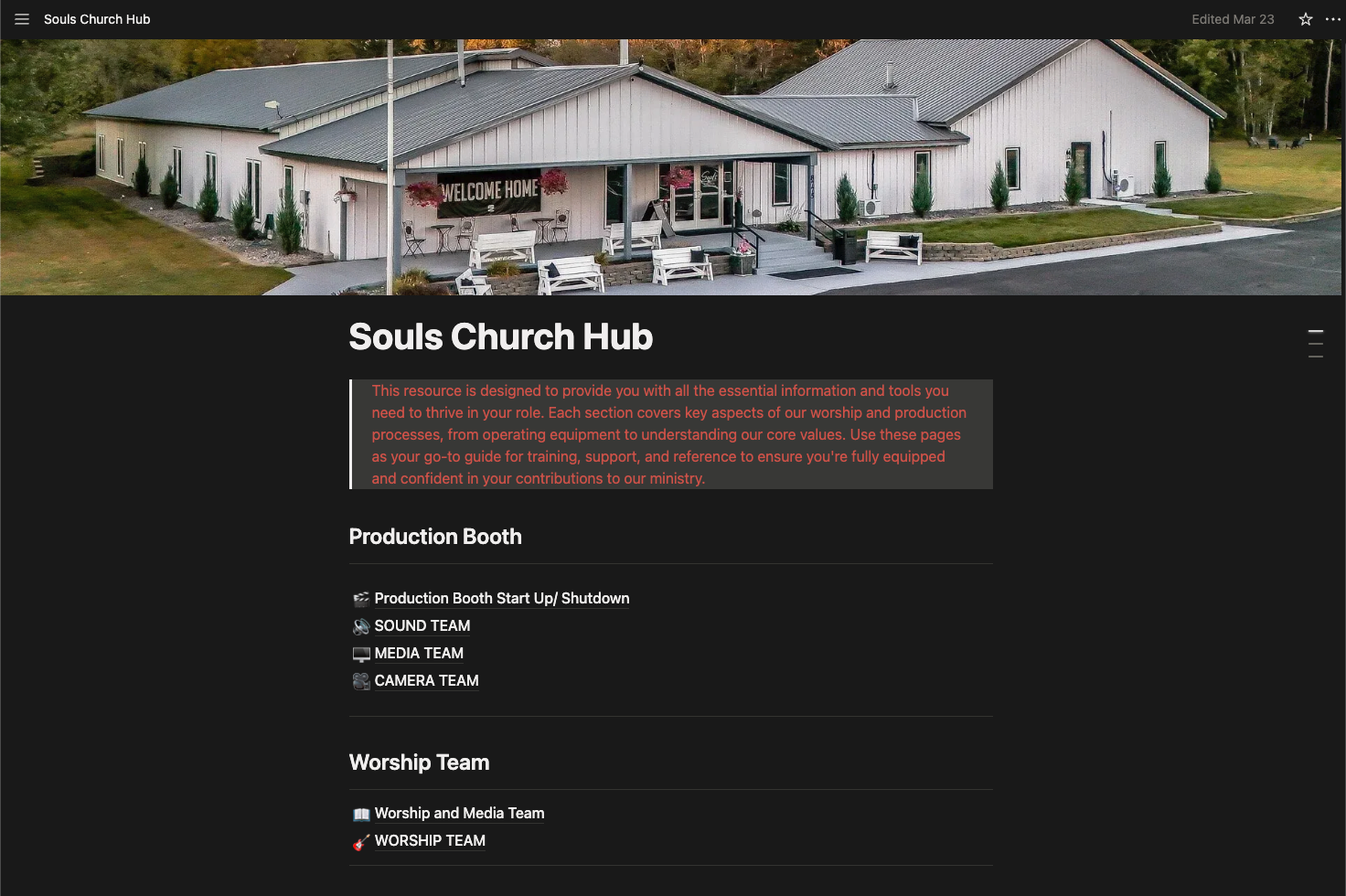
“This was the step I didn't know I needed.” Bobby — Souls Church

You're Supposed to Be Overseeing. Instead, You're in the Weeds.

You have a bigger job on Sundays.

Maybe you're the worship leader, on stage with a guitar. Maybe you're the production director, supposed to have eyes on the whole service.

Maybe you're the pastor, about to preach.

Maybe you're a part-time volunteer with a day job, doing this on top of everything else.

Whoever you are, you're not supposed to be running every station yourself.

But here's what your Sunday actually looks like.

  • You jump into ProPresenter for two minutes to fix the song order.
  • Then over to sound to help with a monitor mix.
  • Then back to cameras to remind the new operator which angle is which.
  • Five minutes here. Three minutes there. Ten interruptions before service even starts.

By the time the service is running, you've done five people's jobs in five-minute chunks. None of them well. And you never got to focus on your actual role.

It's not because your volunteers are bad. It's because there's no system.

The information lives in your head.

So the only path to the answer runs through you.

The Church Notion System fixes that.

Why Your Last Attempt Didn't Stick

You tried writing it down.

Maybe a Google Doc. Maybe a binder at the soundboard. Maybe a Notion page you started and abandoned.

The system was built for you, not for the volunteer who'd never used it before. Too long for the experienced person. Not detailed enough for the new one. So everyone went back to asking you.

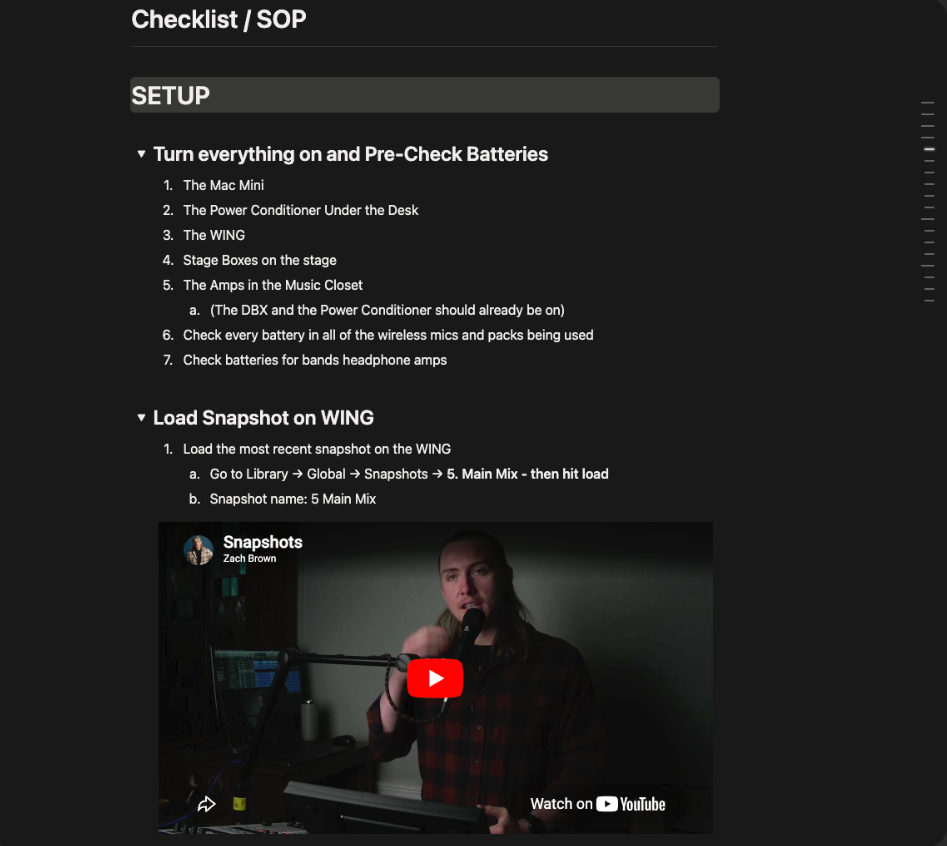
CNS uses dual-level SOPs to fix this. Two reading depths on the same page, so the experienced volunteer and the brand-new one can both use it without coming to you. Tutorial videos live where they're needed, not buried in a playlist.

That's the structural fix that makes documentation actually stick.

What You Get on the Other Side

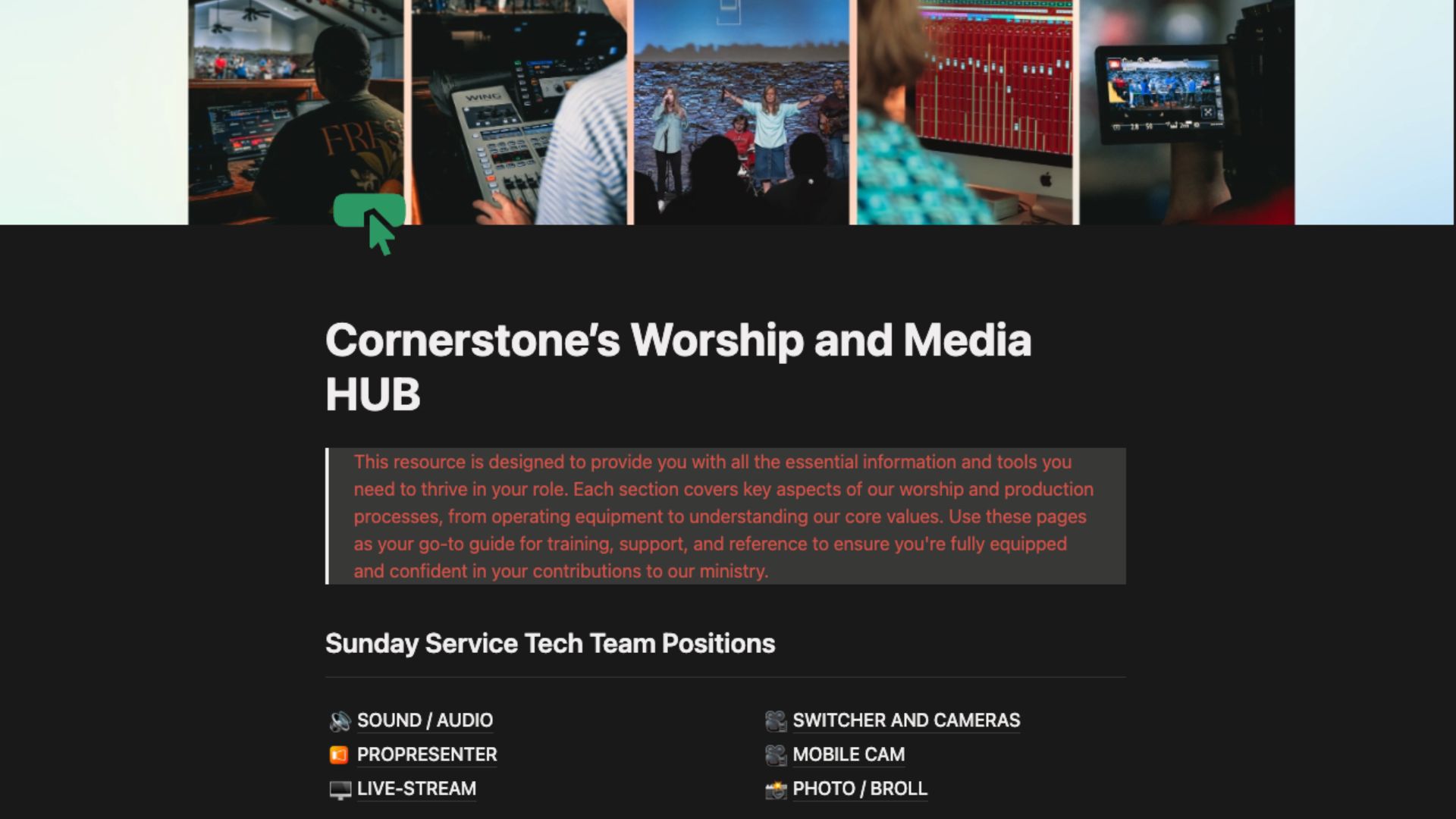
  • A working Notion hub for your media team. Roles, SOPs, video tutorials, and a knowledge base, all in one place.
  • Volunteers who solve the small stuff on their phone before pulling you into their station.
  • Your time on Sunday spent on your actual role.
  • A team that can grow without you being the bottleneck on every new volunteer's training.
  • Rollout tactics that get your team using the system on a real Sunday, not “someday.”
  • And eventually, if you ever need to step away (a week off, a family emergency, paternity leave), the system holds without you.

This is for you if:

  • You lead your church's media or production team in any capacity. Staff, volunteer, paid, part-time, full-time.
  • You have a primary Sunday role you can't actually focus on because you're constantly pulled into other stations.
  • You have between 2 and 8 volunteers, and you're tired of being the person every one of them defaults to.
  • You want your team to handle the small stuff on their own.
  • You've tried writing things down before and it never stuck.

This is not for you if:

  • You already have proper role documentation that works.
  • You want me to build it for you (this is self-paced, you do the work).
  • You want a quick-fix template (this is a system you build, not a template you stare at).

“The biggest impact has been realizing I'm not alone. We all feel a sense of importance to our roles as Production Directors or Creative Leaders on a Sunday, and we have an overwhelming mental checklist during the week to ensure our Sundays run smoothly. CNS helped streamline our SOPs, troubleshooting docs, and volunteer trainings.”

Nicole — Local Church

I want this too ($147)

Launch price and bonuses end Friday May 29.

What's Inside: 12 Sessions, 3 Modules

Build the System

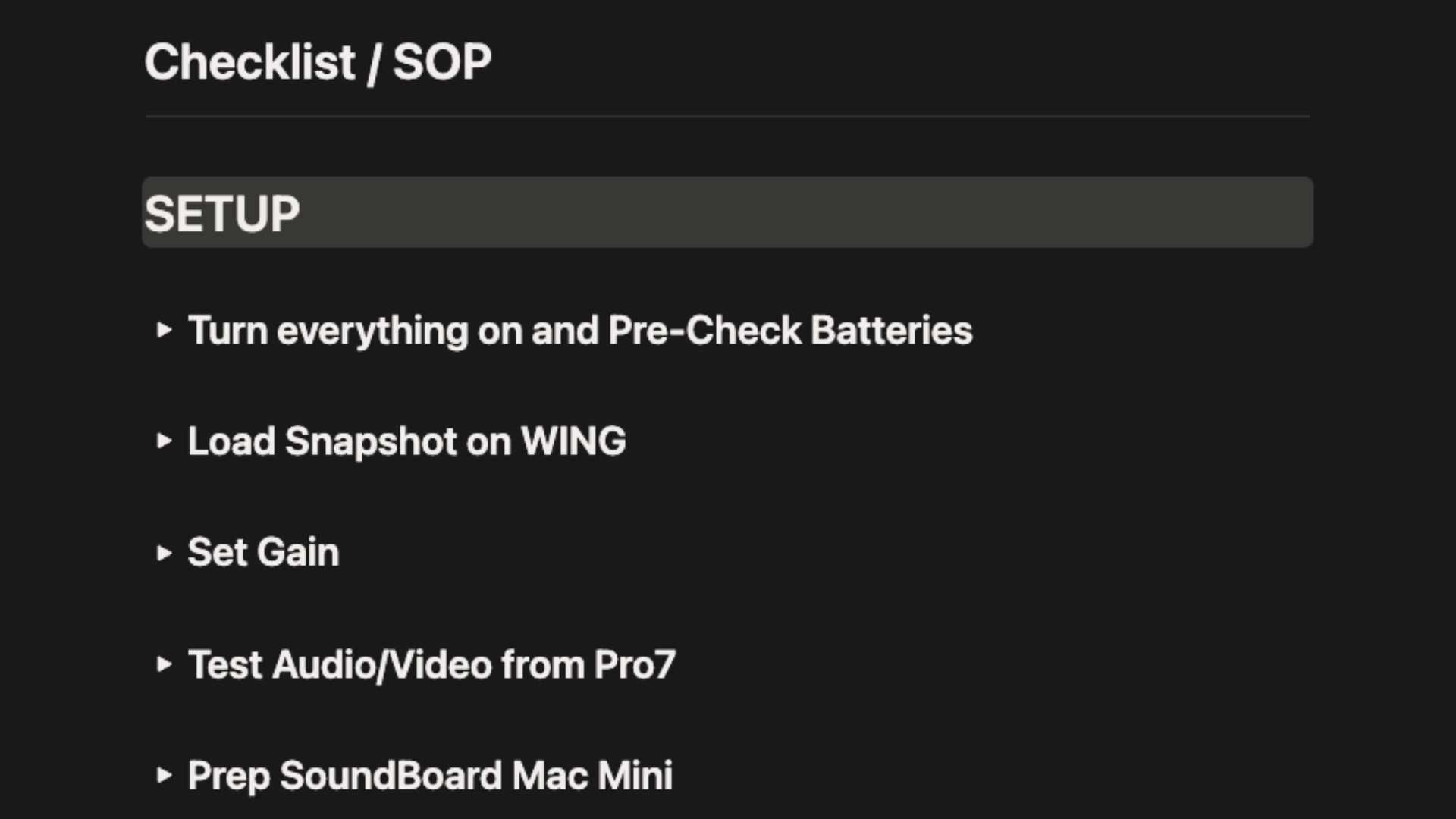
What you walk away with: A working Notion hub with your first SOPs built using the dual-level structure that gets volunteers to actually read them. Tested with a real volunteer on a real Sunday by the end of Module 1.
  1. Vision & Setup

    Why most documentation efforts fail, and the foundational shift that fixes it. The setup decisions that determine whether the whole system gets used or ignored.

  2. Mapping Roles & Dual-Level SOPs

    The dual-level SOP framework that fixes the documentation length problem. The voice-to-SOP pipeline that gets you building faster by talking instead of typing. How to map every role on your team without missing the invisible ones.

  3. SOP Skeletons & Notion Formatting

    The three phases every Sunday SOP needs to be structured around. Notion formatting principles that keep SOPs scannable on a phone. The volunteer test that tells you whether an SOP actually works.

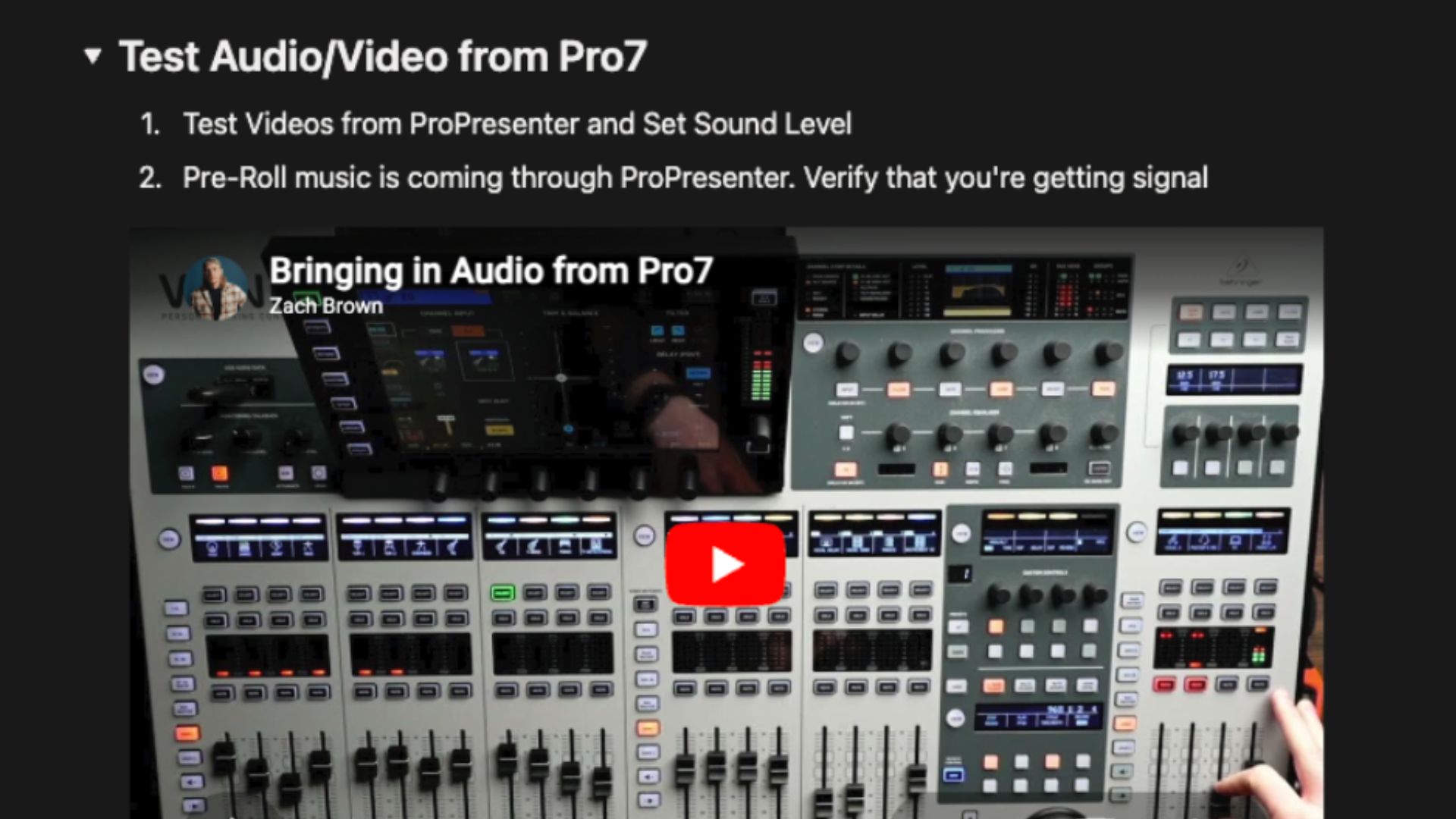
  4. SOP Tutorial Videos: Why and Where

    Why short task-level videos beat long polished ones every time. The placement principle that determines whether videos get watched or ignored. The length guideline that keeps you from over-producing.
Record and Organize Training

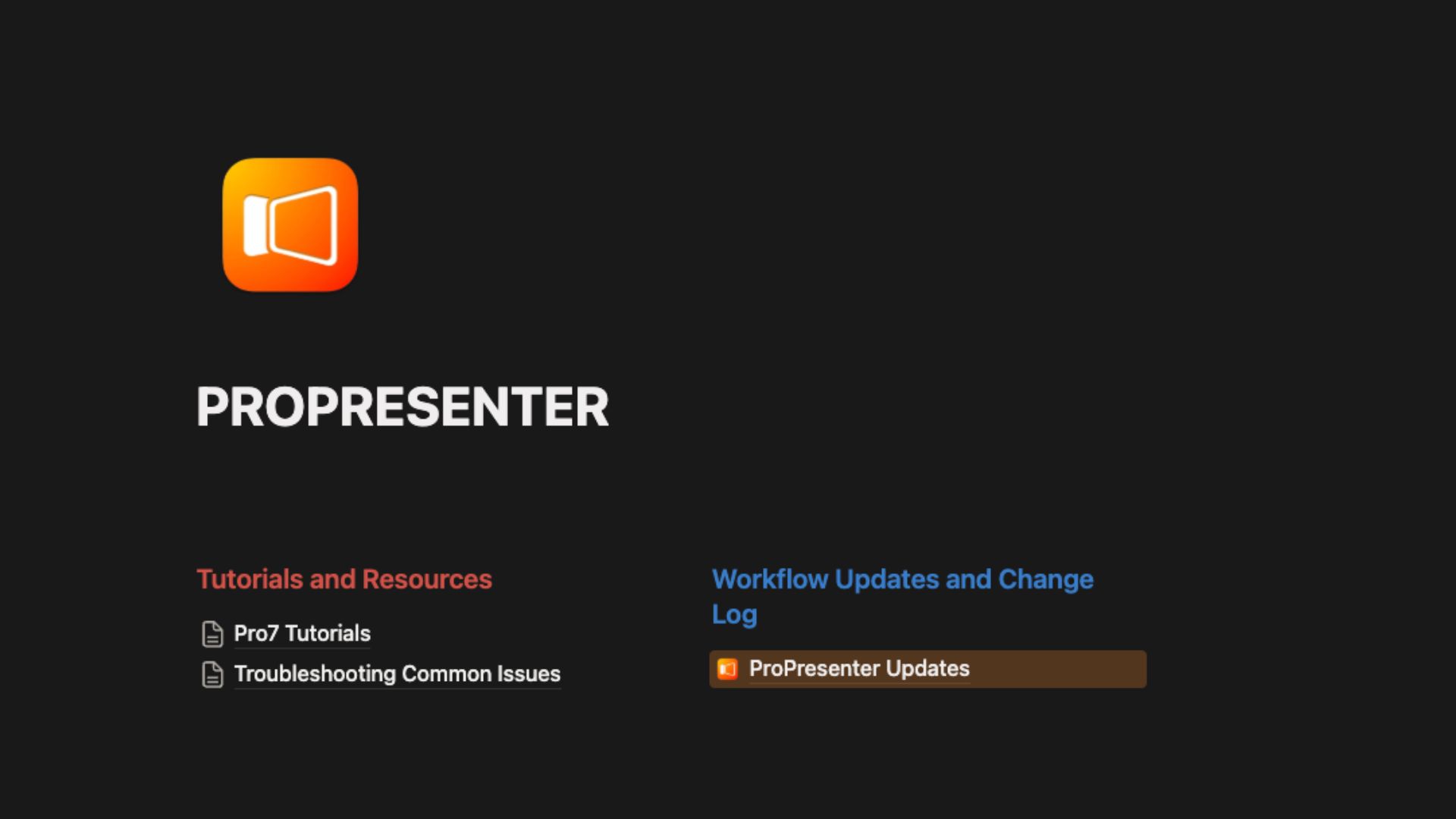
What you walk away with: A training layer your volunteers will actually use. Short SOP tutorial videos embedded right inside the SOPs, plus a knowledge base that helps volunteers grow beyond the basics.

  1. Recording Tools & Workflow

    The recording stack that works for church media without overspending. The workflow that prevents you from re-recording the same thing twice. What to lock in before you ever hit record.

  2. Editing & File Organization

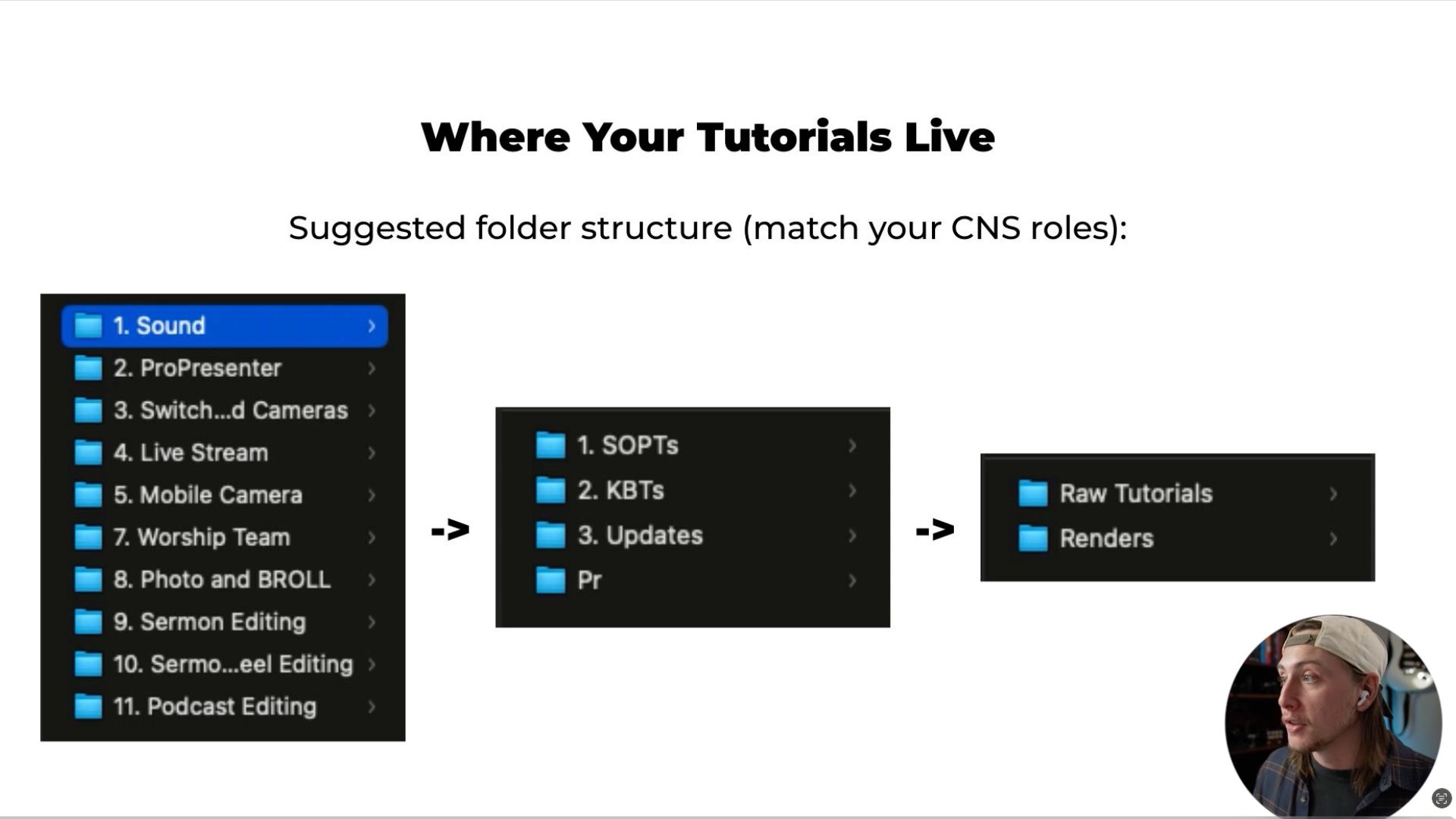
    The minimum editing workflow that ships videos fast, without becoming a full YouTube production. The folder structure that keeps your training library findable months later. How to organize so adding new videos stays cheap forever.

  3. Knowledge Base Tutorials

    The difference between do-this-now tutorials and deeper learning content, and why your team needs both. How topic-based training develops volunteers beyond just executing their role. The kinds of knowledge base content that pay off long-term.

Troubleshoot, Roll Out, and Make It Yours

What you walk away with: A system that doesn't just exist, but actually gets used. Troubleshooting pages so volunteers solve problems themselves. Rollout tactics that put the system in your team's hands on a real Sunday. Plus walkthroughs of real church builds so you can steal the best ideas.

  1. Troubleshooting Workflows

    The troubleshooting structure that lets volunteers solve problems without calling you. Which Sunday-morning problems are worth documenting and which aren't. The format that turns a problem into a self-serve fix.

  2. Change Log & Update System

    The single habit that keeps the system from drifting the second you get busy. Why most documentation rots, and the maintenance rhythm that prevents it. The reason I had to rebuild CNS once, and how to never repeat that.

  3. Rollout Mechanics

    The seven tactics that get your team using CNS on a real Sunday. How to put the system in front of volunteers everywhere they already look on Sunday morning. The single conversational habit that determines whether volunteers default to the system or to you.

  4. Making It Your Own

    How to make CNS reflect your specific church, not a generic media team. The categories of church-specific content most teams overlook. The simple rule for spotting what belongs in CNS and what doesn't.

  5. Real Church Walkthroughs

    Real walkthroughs of CNS pages built at other churches. The structural moves you can steal from people who've already done the work.

The Try-It-On-Sunday Guarantee

Watch Sessions 1 through 3. Build one SOP. Test it with a volunteer on Sunday.

If Sunday isn't simpler, email me. I'll refund your $147 in full and you keep the templates, the AI prompts, and the Build Guide.

I'm that confident the method works.

The Honest Part

I built CNS at my own church. Most Sundays I'm on stage playing guitar. So running around being the “tech director” every week isn't an option for me.

I built the system because I had to. It worked. Then I got busy, the system drifted, volunteers started defaulting back to me, and I had to rebuild it.

You're not learning this from someone who teaches it in theory. You're learning it from someone who lives the exact problem you live, and who has built (and rebuilt) the answer.

What Other Churches Have Built

01

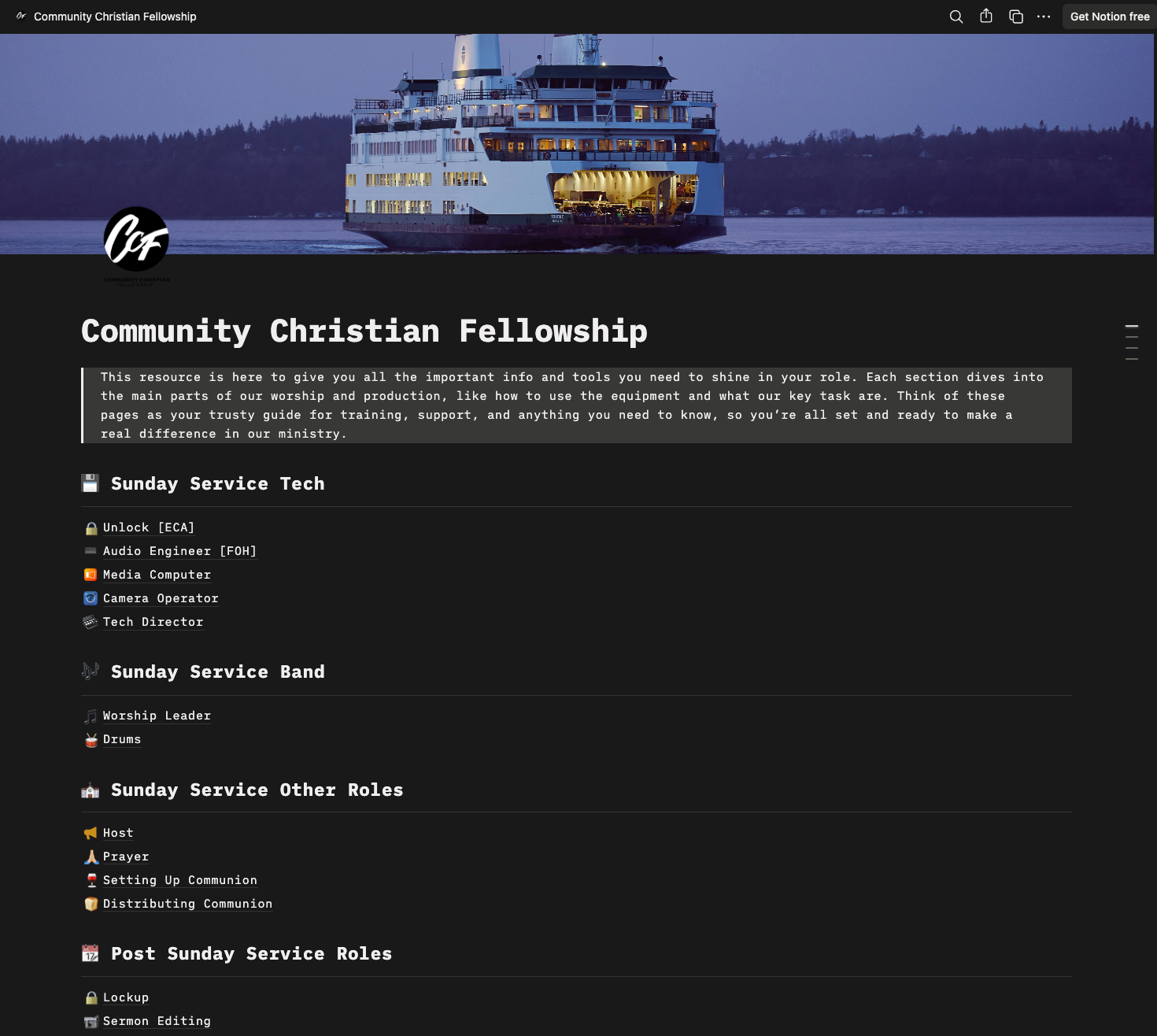
One built it role by role and uses the voice memo to SOP pipeline to keep adding new processes as they come up.

02

Another rolled it out to streamline volunteer trainings and troubleshooting.

03

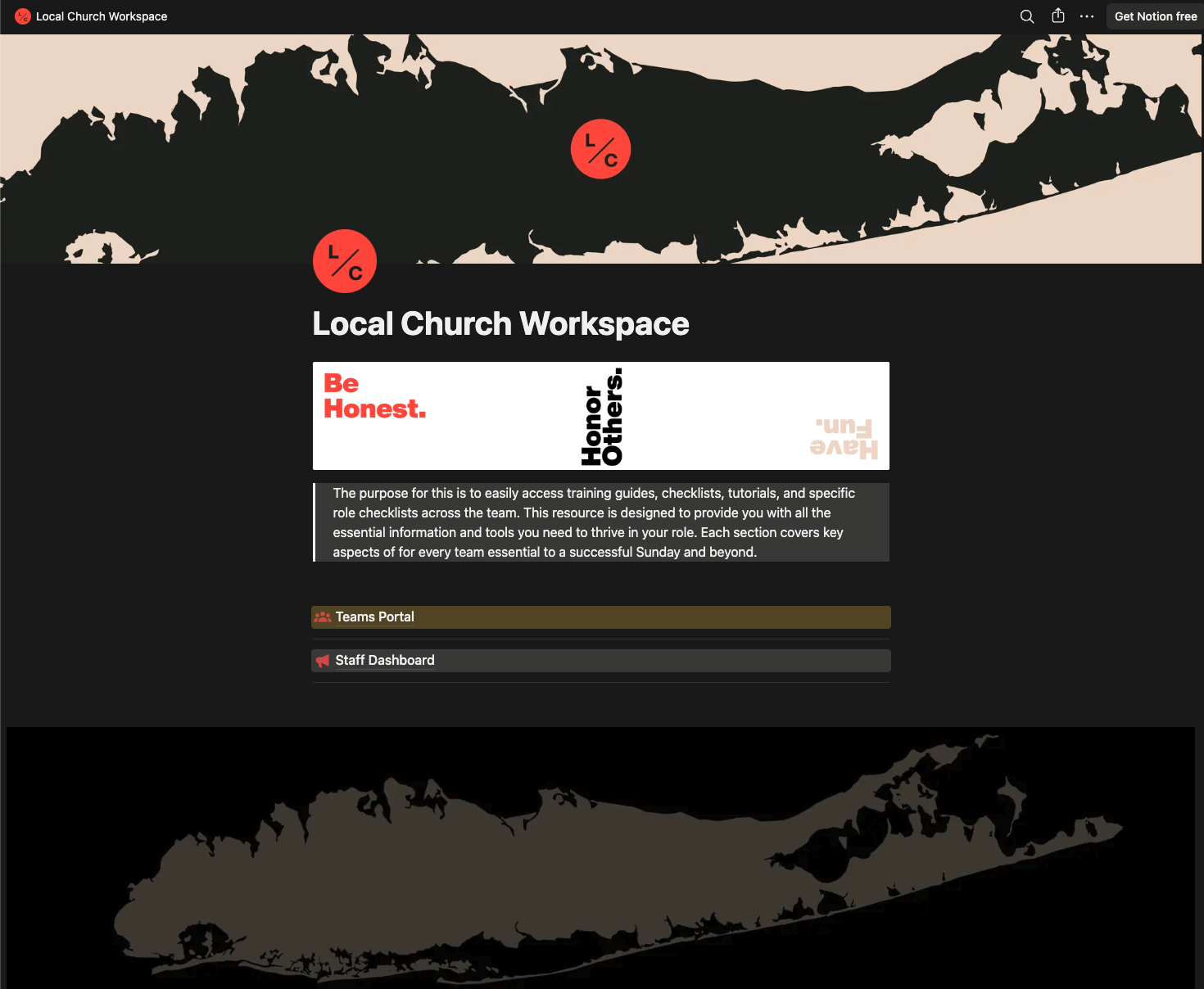
Another church has to load-in and load-out every Sunday, so they built their pages around that reality.

A few of them have already tested the system the hard way. Stretches of paternity leave, family emergencies, weeks they couldn't be there.

The team ran the service anyway, because everything they needed was already documented.

Sunday no longer runs through one person.

Stop running between stations. Build the system instead.

Get me out of the weeds ($147)

Launch price and bonuses end Friday May 29.

Why CNS Is Different

Most “systems” for church media are PDFs nobody reads, or one giant Google Doc that gets outdated the day after you write it.

There's plenty of training on the tools. There's almost nothing on the system that runs the tools. CNS is built around three things you won't find anywhere else.

1

Dual-level SOPs.

Documentation that works for the new volunteer on their first Sunday and the seasoned one on their hundredth. The “too long for me, not enough for them” problem, solved.

2

Video where it belongs.

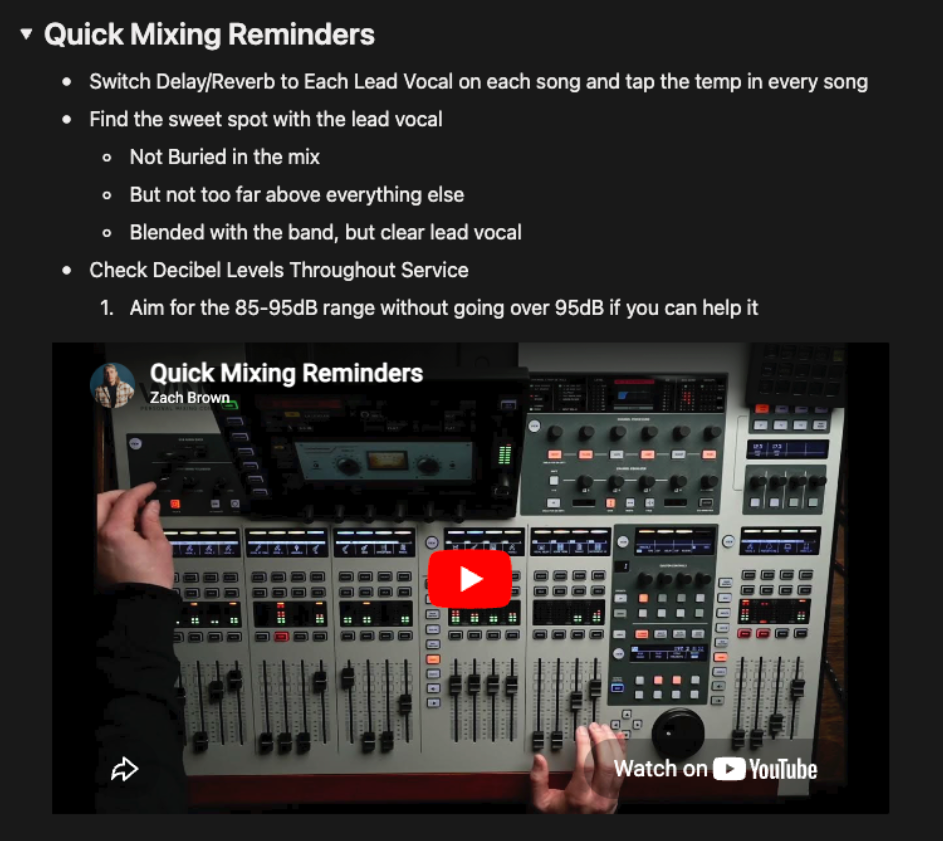
Tutorial videos live inside the SOPs, on the page where they're needed. Not buried in a YouTube playlist.

3

A culture shift, not just a tool.

The hardest part isn't building it. It's getting your team to consult the system first, before going to you. The course teaches the habits to help make it stick.

What's Included

You Get (Permanent, Yours for Life)

  • All 12 video sessions, organized in 3 modules
  • The CNS v3 Notion template
  • CNS Build Guide PDF. Step-by-step walkthrough to follow alongside the videos
  • AI Prompts. SOP Builder (voice memo method), Troubleshooting Guide Builder, Change Log Entry Builder
  • Access to the CNS private community

Launch-Only Bonuses (Gone After Friday May 29)

  • Two live Q&A calls. Call #1 about a week after launch closes. Call #2 a month later. Both recorded and added to your access.
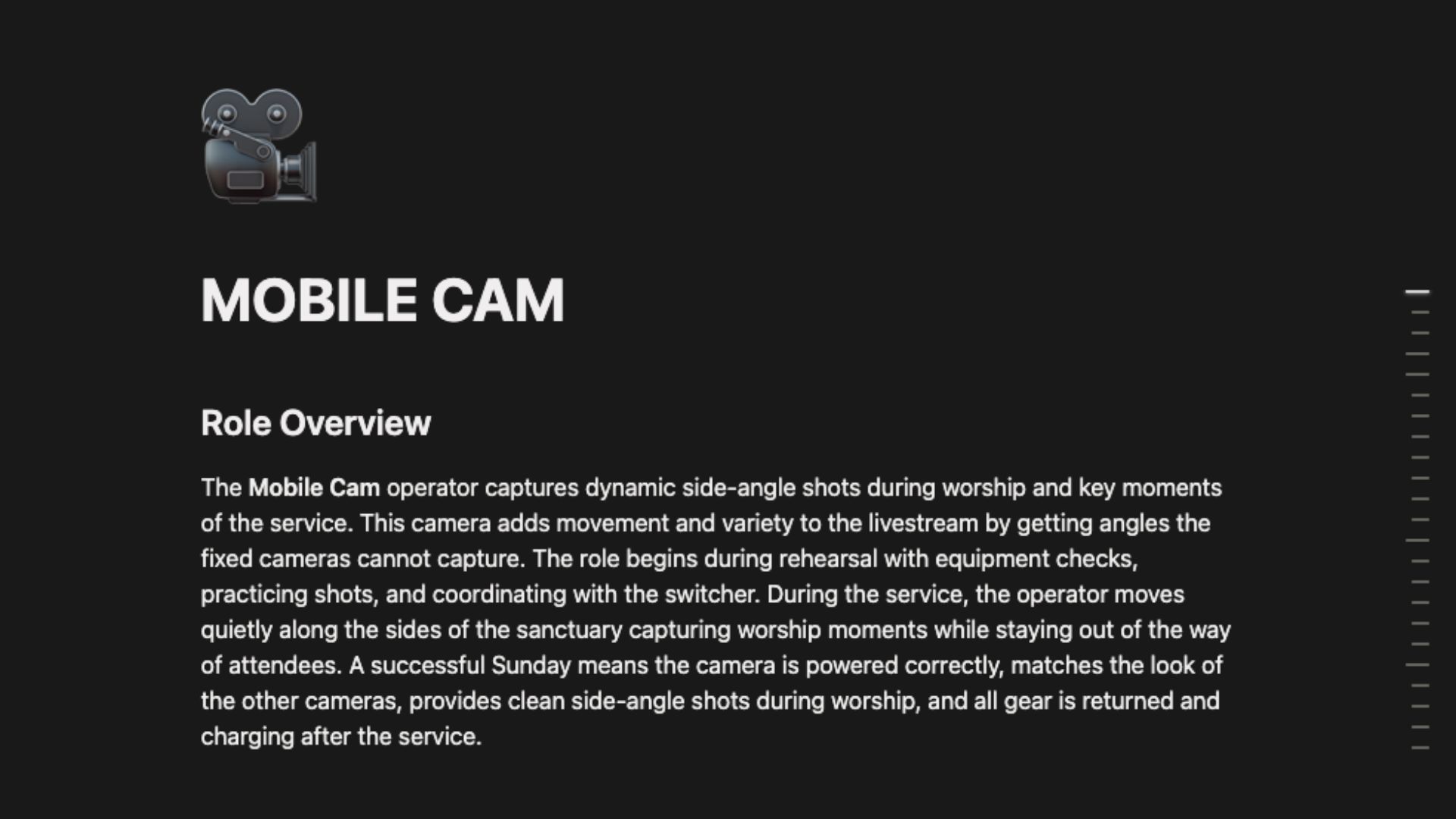
  • 7 Role-Specific SOP Builder Prompts. Guided AI conversations that walk you through building an SOP for ProPresenter, Audio, Cameras, Switcher, Livestream, Mobile Cam, and Worship Team.
  • $147 Launch Price. This is the only time to grab this training and all the bonuses at this price.

After Friday May 29, the course jumps to $197. The Q&A calls and role prompts are gone.

“CNS gave me a place to brain-dump everything required to run a smooth Sunday, in one spot my team can access without coming to find me.”

Nicole — Local Church

Build the system. Get my Sunday back ($147)

Launch price and bonuses end Friday May 29.

FAQ

I've tried documenting things before and my volunteers didn't read it. Why will this be different?
The honest answer: most documentation gets ignored because it's too long for the experienced volunteer and too thin for the new one. CNS's dual-level SOP structure fixes that. The course also covers the rollout mechanics that get volunteers to actually consult the system instead of defaulting to you.
Will this work if my volunteers don't want to use Notion?
They don't need a Notion account. You publish each role's page to the web, send them a link, they bookmark it on their phone. From their side it's a webpage. No login. No app.
How is this different from Planning Center or RealmConnect?
Those tools handle scheduling and communication. CNS is the operational manual behind the scheduling. What each role actually does on Sunday morning, step by step.
I am bivocational. I have 2 or 3 hours a week max. Is this realistic?
Yes. Most of the early sessions are 20 to 40 minutes of work that pay off immediately. You can build your first usable SOP in week one. You can build the full system over a few months in small increments.
I've never used Notion. Will I be lost?
Session 1 walks you through setting up Notion from scratch and duplicating the template. I assume zero prior experience.
Will this work for my small church?
Yes. CNS works the same way at any size. The roles you build SOPs for might be fewer, but the structure is identical. A 2-person team gets just as much value as a 10-person team.
Why is it $147 instead of $197?
This is launch pricing. After Friday May 29 it goes to $197, and the bonus Q&A calls and role-specific builder prompts disappear.
I'm not church staff. I'm just a volunteer trying to help. Is this still for me?
Yes. A lot of the people who get the most out of CNS are part-time or volunteer leads who don't have unlimited time. The whole point of the system is to give the most-stretched-thin person their Sunday back.
Build the system. Get my Sunday back ($147)

Bonuses end Friday May 29. After that, $197 with no Q&A calls and no role prompts.

Try-It-On-Sunday Guarantee included.